

Today’s digital-native learners need learning environments as dynamic as they are.
From halls and classrooms to PA, bells, paging, alerts, access control and hearing augmentation, Clearasound designs systems staff can actually use and students can rely on. One partner for the whole communication environment.
The problems schools and universities actually describe
The system works but is hard to use for non-technical teachers.
Different spaces have different equipment and different controls.
Bells and paging reach some buildings and not others.
Sound is loud, but words are hard to make out.
People at the back of the hall can't follow the assembly.
Nobody is certain what the hearing augmentation is or how it is used.
Only one of these is a volume problem. The rest are design, coverage and usability problems.
What we design, install and support for educational environments
Why manage several suppliers for one communication environment? We cover the whole of it.
AV Integration & Room Technologies
Halls, classrooms, lecture theatres, libraries and performance spaces. Sound, vision, control and connectivity designed to work together and documented so the next person can support it.
Public Address, Bells & Paging
Zoned announcements, bell scheduling, paging and time-critical notifications designed for intelligibility across the whole site, not just coverage on a drawing.
Performance & Assembly Spaces
Halls that handle an assembly on Monday and a production on Friday, without a technician on standby for either.
Hearing Augmentation & Inclusion
Hearing loops, Auracast and other assistive listening, designed around the devices your students actually use, verified on site and certified.
CCTV & Access Control
Licensed capability, designed as part of the communication and safety environment rather than bolted onto the school network afterwards.
Design, Install & Support
Site review, specification, installation, commissioning, staff training, documentation and ongoing service. The same team before and after handover.
Louder is not clearer
Why halls defeat ordinary sound systems
Many halls are large, hard-surfaced and reverberant. Sound reflects off floors, walls and ceilings and reaches the listener several times over, slightly out of step. Turning the amplifier up sends more energy into those same reflections. The result is more sound and less speech.
What actually fixes it
Intelligibility comes from speaker placement, coverage pattern, zoning and appropriate signal processing, designed around how the room behaves and where people actually sit. A well-designed system is often quieter than the one it replaces, but far easier to understand.
Hearing augmentation in learning environments is not one decision
Two different technologies are often discussed as though they were the same thing. They are not. They solve different problems, and a school may need both.
Soundfield amplification
Distributes the teacher's voice evenly through a room so every student hears at a consistent level. It improves the room for everyone. On its own, it is not a hearing augmentation system.
Hearing augmentation
Delivers the audio signal directly to a student's hearing device or to a receiver. Where an inbuilt amplification system is installed, this is where accessibility obligations are most likely to apply.
The telecoil assumption
Hearing augmentation requirements were written when most hearing aids used a telecoil. Many students' hearing devices today use proprietary receivers instead, and the telecoil is often not activated by their audiologist. A system that satisfies a clause on paper can still fail the student sitting in the third row. We design around the devices your students actually use, and verify the result on site.
What may apply to your project
AV projects can sit under several compliance frameworks at once. We help identify which ones apply before the scope is locked. We also distinguish between legal compliance and user experience and learning outcomes, which may ultimately be the better standard.
NCC 2025, Part D4
Clause D4D8 addresses hearing augmentation where an inbuilt amplification system is installed, other than one used only for emergency warning. Where an induction loop is used it must cover at least 80% of the floor area served. Receiver-based systems must cover at least 95%, with a minimum number of receivers based on how many people the room accommodates. Clause D4D7 covers the Braille and tactile signage identifying the space.
AS 1428.5
The Australian Standard for communication for people who are deaf or hearing impaired. The 2021 edition aligns closely with the international IEC 60118-4 standard, sets field strength and coverage mapping requirements, and requires wheelchair seating areas to be covered.
State education design standards
Each state sets its own requirements for school facilities, often above NCC minimums — including the Educational Facilities Standards and Guidelines (EFSG) for School Infrastructure NSW projects, the Department of Education’s Design Standards for DoE Facilities (DSDEF) in Queensland, and Department of Education design guidelines in WA and SA. Universities typically apply their own AV and design standards. Many include specific audio-visual requirements for halls, gymnasiums and learning displays.
Disability Discrimination Act and Premises Standards
Accessibility obligations sit alongside the construction code and apply to how a space is actually used, not only to how it was built.
Requirements vary by project, jurisdiction, building classification and approval pathway. A review identifies what is likely to apply to your site.
Where it matters most
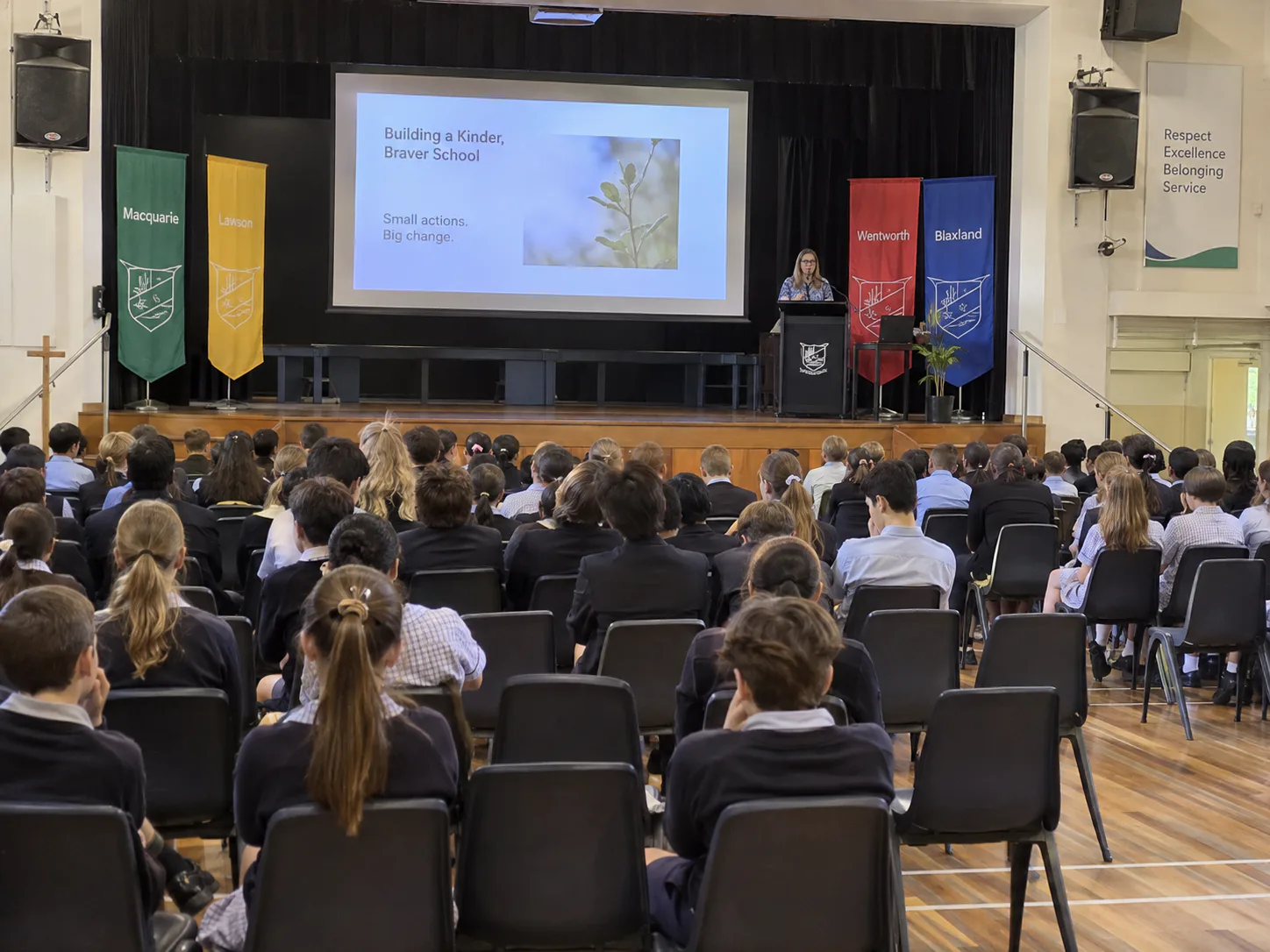
Halls
Every seat in the room, including the back row.
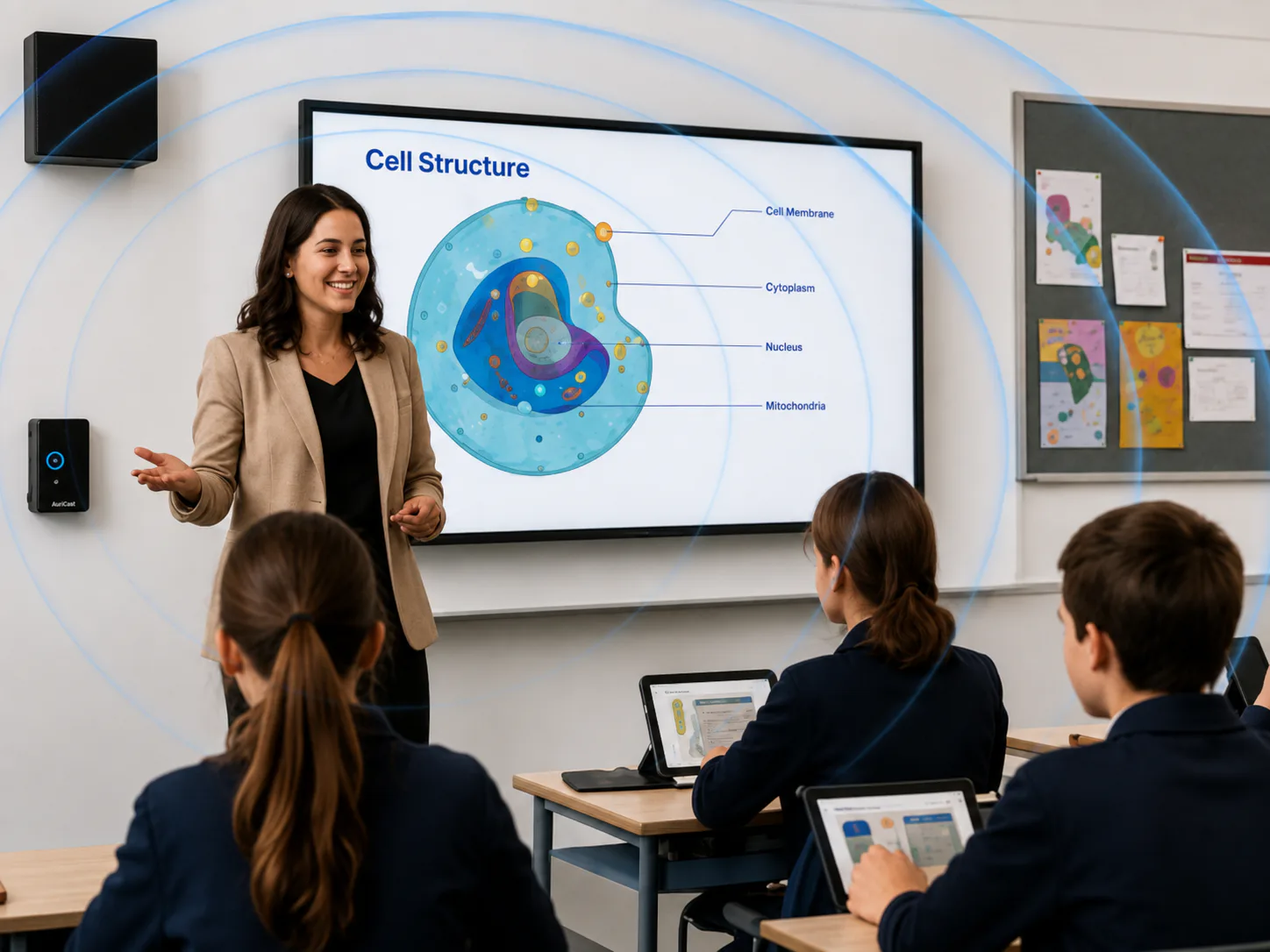
Classrooms and Learning Spaces
Consistent, teacher-friendly, no technician required.
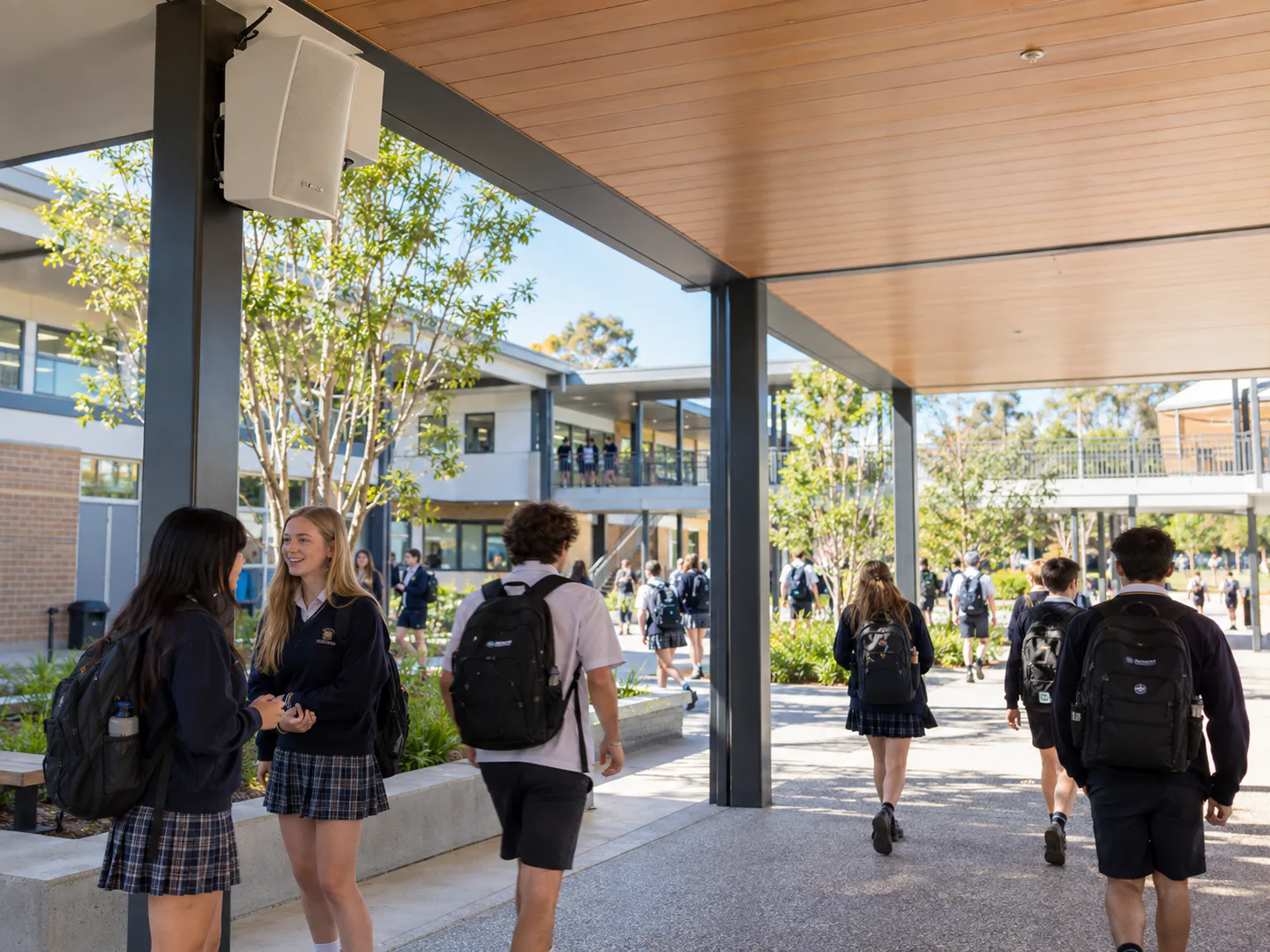
Whole-of-Site PA, Bells and Paging
Clear announcements that reach every building.
WITH ONE TOUCH CONTROL. SOUND, VISION AND HEARING ACCESS TOGETHER.
A hall is only as good as the person operating it that morning. ONE TOUCH brings sound, vision and hearing augmentation under one simple control experience, so the space is ready without technical stress and without depending on the one staff member who knows the system.
It is the difference between equipment that is simply installed, and a hall that works on a wet Tuesday with three hundred students in it.
Ask About ONE TOUCH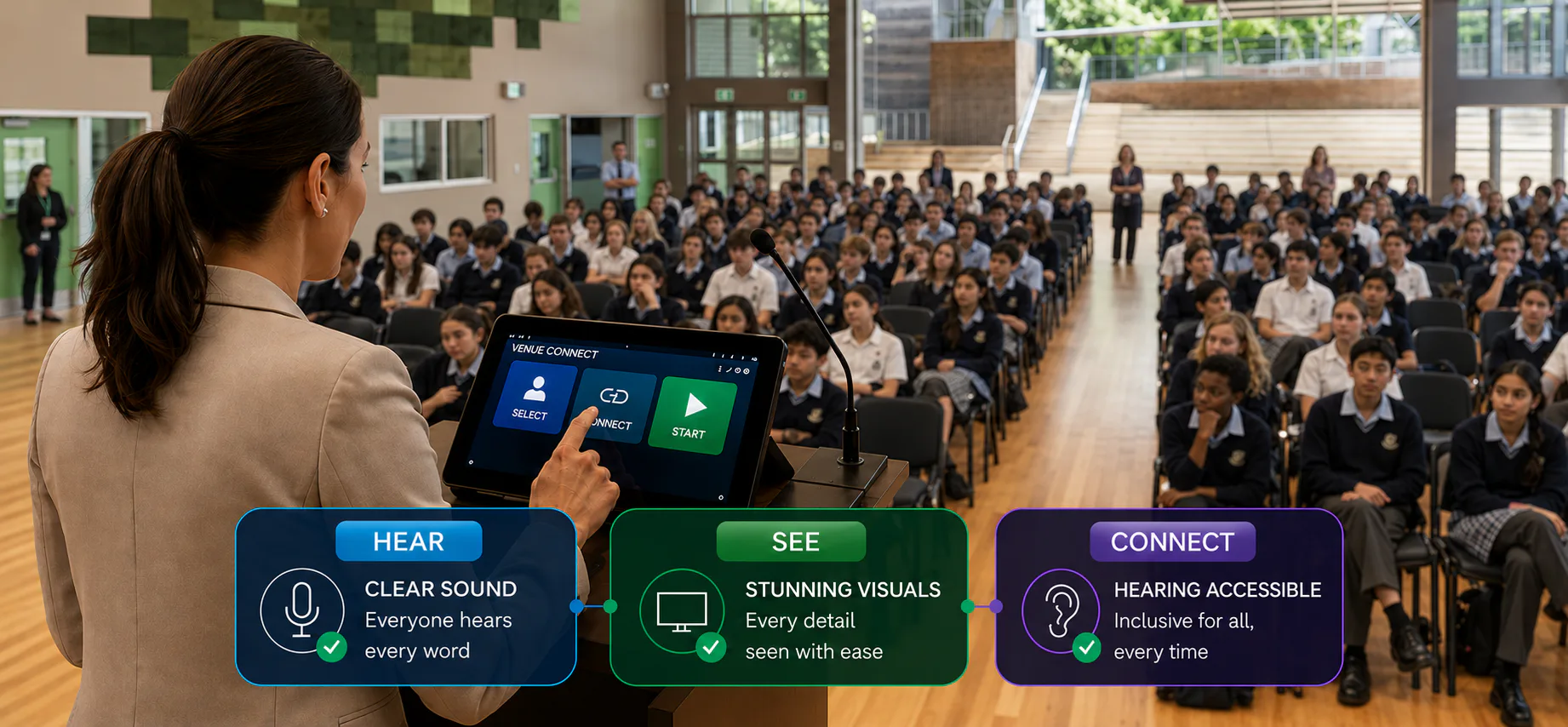
Built for the people who have to sign it off
Education technology decisions are rarely made by one person. We are used to working with all of them.
Principals and business managers
A clear recommendation, a defensible budget case and no surprises later.
ICT managers
Network-aware design, documented configuration and no unmanaged devices appearing after handover.
Facilities managers
Systems that can be serviced, and a supplier who answers the phone in year three.
Architects and specifiers
Specification support, compliance guidance and performance equivalence where substitutions are proposed.
Traps to avoid in education AV projects
Assuming installed means compliant. Verification, signage and staff training are separate steps.
Comparing quotes by equipment list rather than intelligibility, usability and support.
Designing a hall system only a technician can operate, then expecting untrained staff to run an assembly.
Adding paging, alerts or access control without involving ICT and facilities early.
Specifying hearing augmentation without checking which devices your students actually use.
Treating soundfield amplification as though it satisfies hearing augmentation obligations.
Compliance, reliability and usability considered from the start.
Compliance and StandardsWe understand real-world challenges, and how to solve them.
Start with the hall, or start with the whole site.
Tell us what is not working. We will help identify whether you need a targeted fix, a staged upgrade or a whole-of-site pathway, and what is likely to apply to your project.